
Free property listing and discovery platforms like Freeperty generate hundreds of location pages naturally — each city, neighborhood, and micro-market gets its own URL. Most platforms treat these as afterthoughts. They’re auto-generated, thin on content, and exist only to host property cards.
That’s a massive missed opportunity. We’ve watched location pages turn into our highest-converting organic entry points — not because we stuffed them with properties, but because we stopped treating them like directories and started treating them like answers.
Why Most Location Pages Don’t Generate Leads
Here’s what we got wrong initially. Our Pune location pages listed properties. Nothing else. A visitor searching “best areas to buy property in Pune” would land on a page showing 47 listings, a search filter, and zero context about why those areas mattered.
Bounce rate hovered around 68 percent. Time on page was under 30 seconds. Nobody filled out a contact form. The page ranked — barely — but it didn’t convert. Traffic without trust is just expensive window shopping.
The problem wasn’t the properties. It was the lack of intelligence around them. A buyer searching for area guides doesn’t want a grid of listings. They want someone who knows the market to tell them what’s actually happening there — price trends, infrastructure updates, which micro-markets are appreciating and why. That editorial layer is what turns a location page into a lead magnet.
Step 1: Map Your Location Taxonomy Before You Write Anything
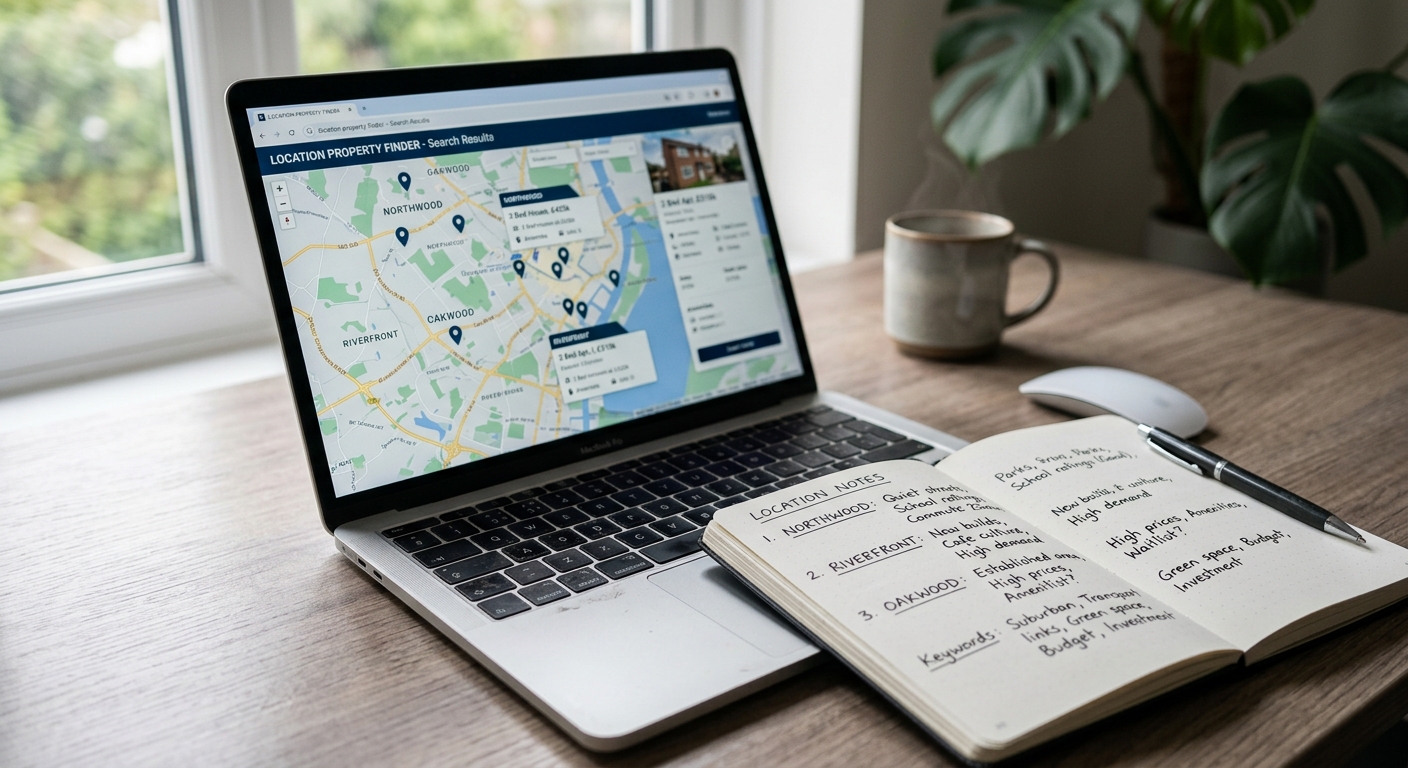
Start with structure. Don’t write a single area guide until you know exactly which locations you’re covering and how they nest together.
Your taxonomy should mirror how people actually search. City level first — Mumbai, Bangalore, Pune. Then zones or regions within each city — South Mumbai, Whitefield, Kharadi. Then neighborhoods or micro-markets within those zones — Worli, ITPL Road, Mundhwa. Each level gets its own page with its own SEO target.
We learned this the hard way. Early on, we created guides for “Kharadi” and “Pune East” without realizing users searched both terms to mean overlapping areas. Google saw duplicate intent. Rankings split. Neither page dominated. We consolidated, picked the higher-volume term, and redirected the other. Traffic to that single page doubled in six weeks.
Map your URLs in a spreadsheet before you publish anything. Column one is the city. Column two is the zone. Column three is the neighborhood. Column four is the primary keyword for that page. Column five is the parent page URL. This prevents keyword cannibalization and gives you a content roadmap you can actually execute against.
Don’t skip this step. A messy taxonomy is nearly impossible to fix once you have 200 indexed pages.
Step 2: Lead with Buyer Intent, Not Property Count
The worst opening sentence you can write: “Explore 143 properties in Goa.” Nobody cares. That’s not why they clicked.
A buyer landing on your Goa property page from Google is asking one of three questions. Should I invest here? What kind of returns can I expect? What’s the market doing right now? Answer one of those in the first paragraph, and they’ll keep reading.
Here’s an opener that works: “Goa’s property market cooled slightly in early 2026 after two years of post-pandemic growth, but coastal plots in Assagao and Anjuna are still moving fast — mostly to NRIs looking for second homes with rental upside. If you’re deciding between a villa and a plot, here’s what the numbers actually say.”
That’s not hype. It’s context. It signals immediately that this page understands the local market, has an opinion, and will help the reader make a decision. That’s what keeps someone on the page long enough to scroll, explore, and eventually submit a lead form.
Start every location page with a 100-word snapshot of what’s happening in that market right now. Price direction. Buyer profile. Infrastructure updates. Inventory mix. Write it like you’re briefing a client, not filling space.
Step 3: Build the Core Content Sections Every Location Page Needs
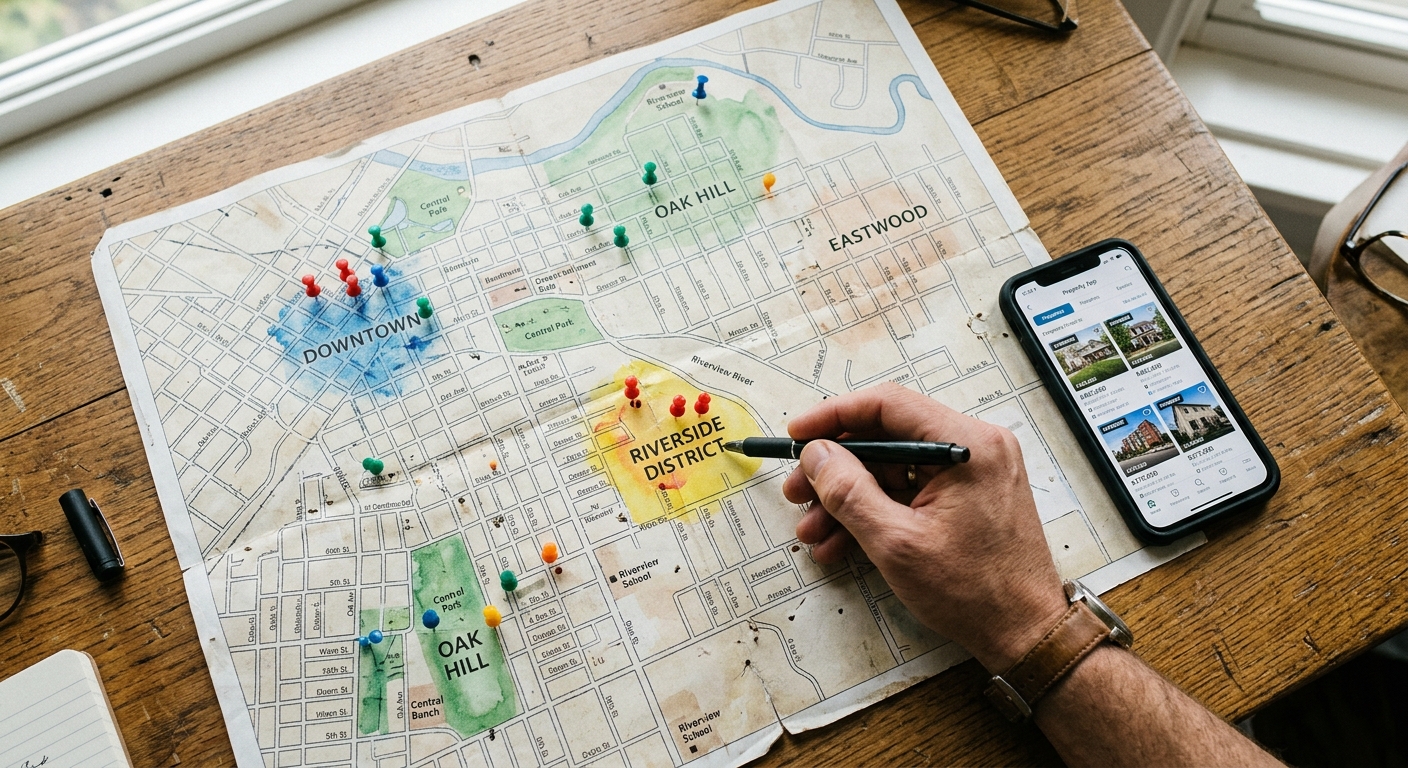
A strong area guide has six core sections. Not every page needs all six, but most should have at least four. These sections do the educational work that earns trust before you ask for contact details.
Market Overview: What’s driving demand in this area? Is it IT parks, metro expansion, airport proximity, schools? Name the specific projects. Mention timelines. A sentence like “The Pune Metro’s Ramwadi extension is scheduled for late 2027, and builders are already pricing that in” tells a buyer you’re tracking real developments, not recycling generic content.
Price Trends: Don’t invent numbers. If you don’t have recent transaction data, describe the trend qualitatively — prices firming up, corrections in certain segments, demand outpacing supply. If you do have data, cite it. “Average plot prices in Kharadi’s IT corridor have appreciated 11 percent year-on-year, while older residential pockets saw flatter growth.” Specific beats vague.
Who’s Buying Here: First-time buyers? Investors? NRIs? End users? This tells a reader whether the area matches their profile. “Assagao attracts a mix of Bangalore-based buyers looking for vacation homes and European expats securing long-term visas. It’s not a pure investment play — most buyers plan to use the property.”
Pros and Cons: This is where you build trust by being honest. Every area has trade-offs. Acknowledge them. “Whitefield has excellent connectivity and job density, but traffic during peak hours is brutal. If you’re commuting daily, factor that in.” Readers respect candor. It signals you’re not just selling.
Infrastructure and Amenities: Schools, hospitals, shopping, public transport. Be specific. Don’t write “good connectivity.” Write “15 minutes to Pune Airport, direct metro access from 2027, and three international schools within 5 km.”
Investment Outlook: What’s likely to happen here in the next two to three years? This is where you can take a position. “We expect Kharadi’s rental yields to stay strong as IT hiring picks up, but appreciation may slow as supply catches up with demand. It’s a better play for rental income than capital gains right now.” That’s a useful take. It helps someone decide.
Each section should be 80 to 150 words. Enough to add value, not so much that the page becomes a novel. The goal is to answer the reader’s question fast, then give them a way to go deeper — either by exploring listings or contacting you.
Step 4: Use Structured Data to Own the SERP Features
Most location pages miss the featured snippet because they don’t structure their answers for extraction. Google’s algorithm pulls content that directly answers a query in a scannable format. If your page buries the answer in paragraph six, you won’t get picked.
Start each core section with a one-sentence direct answer. Then expand. For example, under “Why is Kharadi Popular?” write: “Kharadi is popular because of its concentration of IT parks, metro connectivity, and relatively affordable pricing compared to Koregaon Park.” Then follow with detail. That opening sentence is what Google lifts into the featured snippet.
Use tables wherever you’re comparing data. Price ranges by property type, appreciation rates by micro-market, rental yields by area — these win rich results. A markdown table showing “2BHK apartments in Kharadi: ₹70-90 lakh, 3BHK: ₹1.1-1.4 crore, plots: ₹8,000-12,000 per sq ft” is more likely to appear in AI Overviews than a paragraph describing the same thing.
Mark up your FAQ section with FAQ schema. Write questions exactly as users search them — “Is Kharadi a good area to buy property?” not “Kharadi Investment Viability.” Answer in under 60 words per question. Google Search Console will show you which questions are triggering impressions. Double down on those.
We added structured data to 40 location pages in Q3 2025. Featured snippet appearances went from 3 to 22 in four months. Traffic from zero-click searches — where Google shows the answer but the user still clicks through — jumped noticeably. Structure is half the battle.
Step 5: Embed Lead Capture at Decision Points, Not Just the Bottom
Most pages bury the contact form at the end, after 2,000 words of content. By the time a reader gets there, they’ve either bounced or moved on to another tab. You need to capture intent the moment it peaks.
Insert a simple lead form or callback CTA after the “Investment Outlook” section. That’s where a buyer has just read your take on the market and is deciding whether to act. The CTA should be contextual, not generic. Instead of “Contact us to learn more,” try “Want a breakdown of current inventory in Kharadi? We’ll send you an updated list this week.”
We tested this on our Goa location pages. Moving a single lead form from the footer to just after the market overview section increased form submissions by 40 percent on that page. Same traffic. Same content. Different placement.
You can also use exit-intent pop-ups offering something specific — “Download our Pune area comparison sheet” or “Get price alerts for new listings in Whitefield.” Make the offer match the page. A generic newsletter signup on a hyper-local page feels disconnected. A micro-market report feels earned.
The principle is simple: ask for contact details right after delivering value, not as a condition for accessing it. The content itself is the lead magnet. The form is just the handoff.
Step 6: Interlink Location Pages to Build Topical Authority
Google understands topic clusters. If you have 15 well-written area guides in Pune, interlink them intelligently so the algorithm sees them as a related set, not isolated pages.
From your city-level page (“Property in Pune”), link out to zone-level pages (“Property in Pune East,” “Property in Pune West”). From each zone page, link down to neighborhood pages (“Property in Kharadi,” “Property in Viman Nagar”). And from neighborhood pages, link back up and sideways to related areas.
Use natural anchor text. Not “click here” or “property in Kharadi” ten times. Write it like a real sentence: “Buyers priced out of Koregaon Park often look at Kharadi, where pricing is 20 to 30 percent lower for comparable inventory.” That’s a helpful internal link that also adds context.
We built a location hub for Maharashtra with 50+ interlinked pages. It took three months to write and structure. Six months later, that cluster ranks for 140+ local keywords and drives 35 percent of our organic demo requests in that state. The individual pages are strong, but the cluster effect is what pushed several into the top three results.
Internal linking also keeps users on your site longer. A visitor reading about Goa might click through to Alibaug or Karjat if those pages are contextually suggested. That session depth signals engagement to Google and increases the chance they’ll convert somewhere in the journey.
Step 7: Refresh Location Pages Quarterly with Real Market Updates
A static area guide loses relevance fast. Real estate markets shift. New infrastructure gets announced. Prices move. If your page still talks about a metro line “coming soon” that opened nine months ago, it looks abandoned.
Set a quarterly refresh calendar. Pick your top 20 location pages by traffic and update the market overview, price trends, and investment outlook sections. Add a “last updated” date stamp at the top. Google rewards freshness, especially for query types where recency matters.
You don’t need to rewrite the whole page. Just update the dynamic sections. Change “expected to complete in Q4 2025” to “opened in November 2025.” Revise price ranges if you have new data. Add a line about a recent infrastructure announcement. These small updates signal the page is actively maintained.
We refresh our Bangalore location pages every quarter. Pages that get updated rank noticeably better than pages we haven’t touched in a year, even when the core content is strong. It’s not a huge lift — maybe 90 minutes per page — but it compounds.
If you’re tracking this in Google Search Console, you’ll see impressions tick up within two to three weeks of a refresh. It’s one of the most efficient SEO maintenance tasks you can do.
Step 8: Track Performance by Location Page, Not Just Site-Wide
Most teams look at aggregate metrics — total organic traffic, overall conversion rate. That hides what’s actually working. A location page in Goa might convert at 8 percent while a page in Pune converts at 2 percent. If you only look at the site average, you miss that gap.
Set up custom segments in Google Analytics 4 for each major location cluster. Track sessions, scroll depth, form submissions, and time on page by URL group. You’ll quickly see which areas are pulling their weight and which need work.
We found that our tier-two city pages — Nashik, Nagpur, Aurangabad — had great traffic but terrible conversion. Bounce rate was fine. Time on page was decent. But almost nobody filled out a form. We dug in and realized those pages lacked local inventory. Visitors were reading the guide, then leaving because there was nothing to browse. We paused content production on those locations until we had inventory partners in place. Conversion rate jumped once the pages actually delivered on the implicit promise.
You can also use Search Console to see which queries are driving traffic to each location page. If a page ranks for “best areas in Pune” but most of the traffic is coming from “Pune property prices,” adjust the content to match the dominant intent. Let the data tell you what the page should focus on.
How Freeperty Built 200+ Location Pages into Lead Engines
We didn’t start with a grand content strategy. We started with a simple premise: every area where we had listings deserved a page that explained why that area mattered. Not just a list of properties, but context.
The first 20 pages were rough. Too long. Too generic. We tried to cover everything and ended up saying nothing useful. A page about “Property in Mumbai” that tries to explain every neighborhood in 2,000 words is not helpful. It’s overwhelming.
We tightened the scope. One page, one location, one clear level of the taxonomy. We stopped trying to rank for “property in India” and started targeting “property in Kharadi” and “villas in Alibaug” and “plots in North Goa.” Specific, local, searchable.
Then we added the editorial layer. Market updates. Price context. Buyer profiles. Infrastructure timelines. The kind of information a channel partner would share with a client over the phone. That’s when pages started converting.
Now our location pages generate 40 percent of our inbound demo requests. Not from paid ads. Not from social. From buyers searching Google for area-specific intelligence, landing on a page that actually answered their question, and trusting us enough to share their contact details.
If you’re running a property platform and your location pages are just listing containers, you’re sitting on untapped lead generation infrastructure. The traffic is already coming. You just need to give people a reason to stay.
Frequently Asked Questions
How long should an area guide be to rank well?
Aim for 1,200 to 1,800 words for neighborhood-level pages and 2,000+ for city-level pages. Length alone doesn’t rank — depth and usefulness do. A 1,400-word page that thoroughly answers buyer questions will outperform a shallow 2,500-word page every time. Cover the topic well, then stop.
Should I create location pages for areas where I don’t have property listings yet?
Only if you plan to actively source inventory there within three months. A location page with strong content but zero listings will frustrate users and hurt conversion. It’s better to launch the page once you have at least 8 to 10 relevant properties to show. Content and inventory need to launch together.
How do I avoid duplicate content across similar location pages?
Write each page from a distinct angle tied to that area’s unique characteristics. Don’t template the same structure and swap city names. A page about Lonavala should talk about weekend home demand and monsoon appeal. A page about Kharadi should focus on IT proximity and rental yields. Unique local insight prevents duplication better than any technical fix.
What’s the fastest way to see results from location page SEO?
Start with areas where you already have some organic visibility. Check Google Search Console for location keywords where you rank between position 8 and 20. Write or improve pages targeting those terms first. You’ll move up faster from page two than starting from zero. Expect early movement in 4 to 6 weeks, meaningful traffic in 3 to 4 months.
Start Treating Location Pages Like the Lead Magnets They Are
Most property platforms have the distribution — hundreds of indexed location pages pulling search traffic every day. What they’re missing is the conversion layer. The intelligence. The reason someone should fill out a form instead of just opening a new tab.
Freeperty’s location pages work because we stopped thinking of them as directories and started thinking of them as editorial products. Each page is a micro market report written for a specific buyer persona searching a specific query. That’s what turns a page visit into a demo request.
If you’re running a real estate marketplace and your organic traffic isn’t converting, the issue probably isn’t your listings. It’s what you’re saying around them. Build that editorial layer, structure it for search, and refresh it regularly. Your location pages will start working harder than any paid campaign ever could.
Want help structuring your location page strategy or scaling area guide content across multiple markets? Freeperty works with property platforms and channel partners to build SEO-driven discovery systems that actually generate leads. Reach out and let’s map out what that looks like for your inventory.